TesterArmyTesterArmy
WelcomeIntroductionQuick Start
Run ModePull Request TestingProduction MonitoringGroup Webhooks
Test CredentialsAgent Mail InboxesHTTP Basic Auth
OverviewApp UploadsGitHub Actions
VercelCoolifyCoolifySlack
Testing Staging EnvironmentTesting PRs
Getting StartedLocal Development
Get Started

Quick Start

1. Create an account

Sign up at tester.army.

2. Create a project

Click New Project in the dashboard sidebar. Enter your app name and target URL (e.g., https://staging.myapp.com). Click Create.
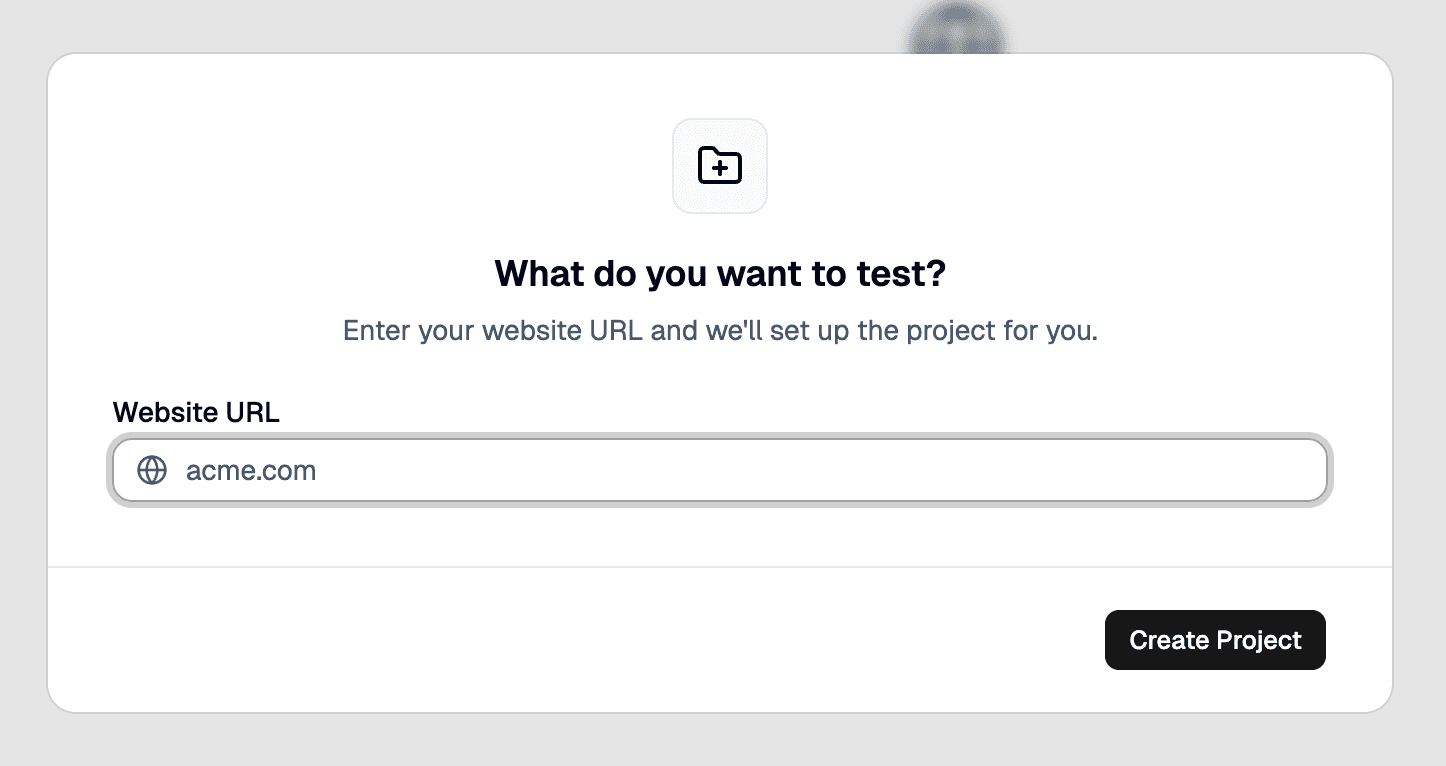
Creating a new project

3. Create a test

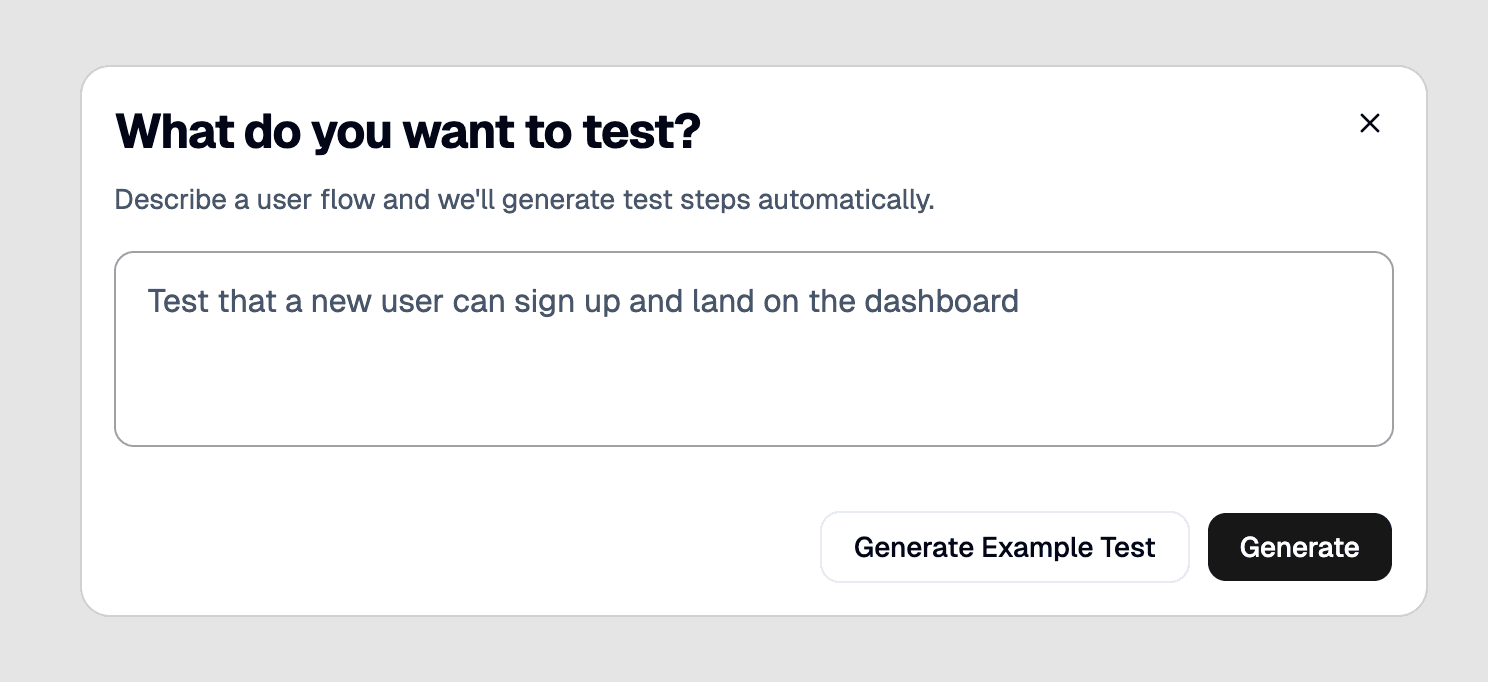
Click on create a new test and type-in your prompt. This will generate a test plan that you can tweak. After approving the plan, click .
Introduction

Previous Page

Run Mode

Next Page

On this page

1. Create an account2. Create a project3. Create a testNext steps
Run

Creating a new test

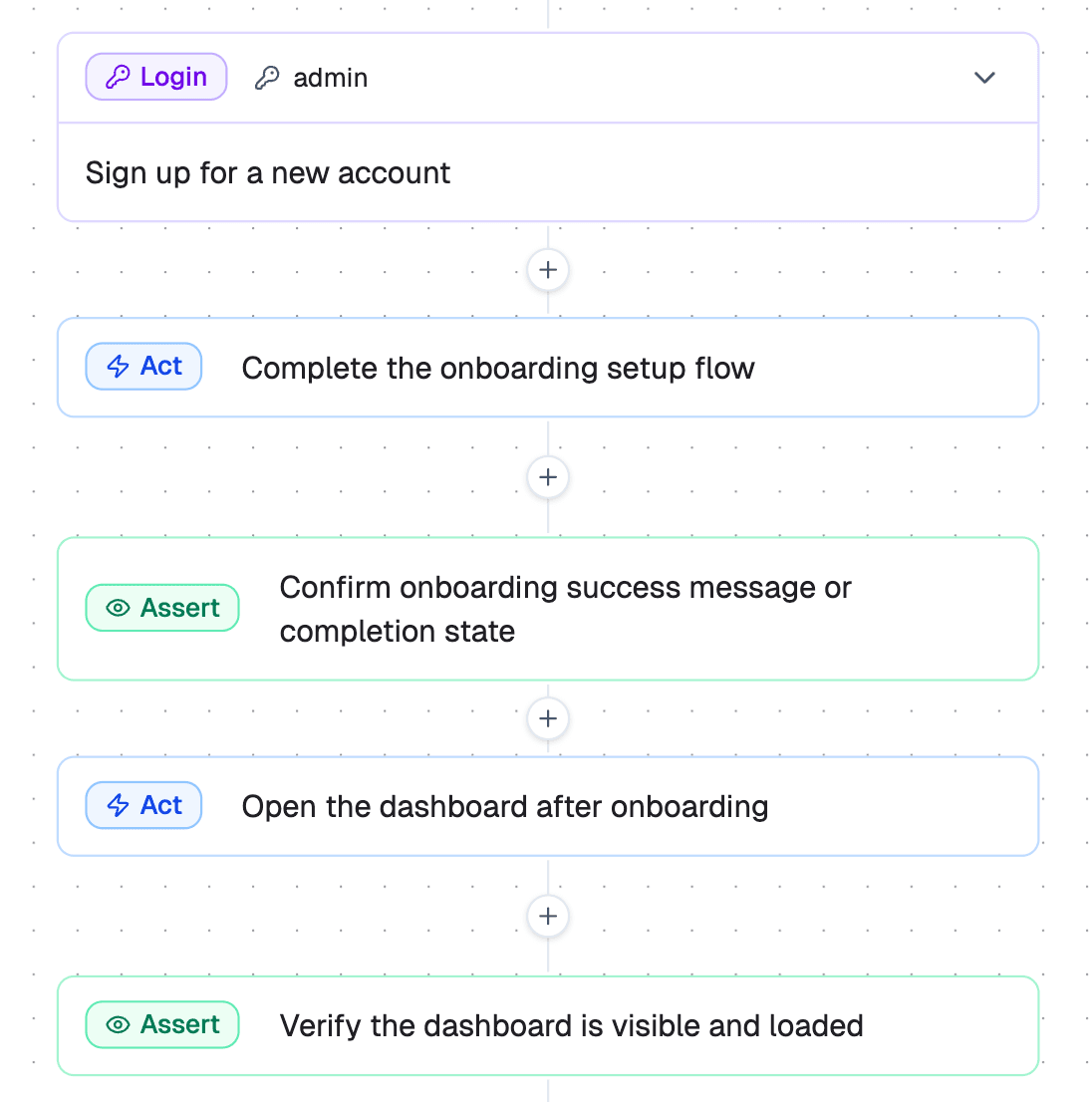
This will generate a step-by-step test plan that you can tweak before running:

TesterArmy step editor

After reviewing the steps, click Run.

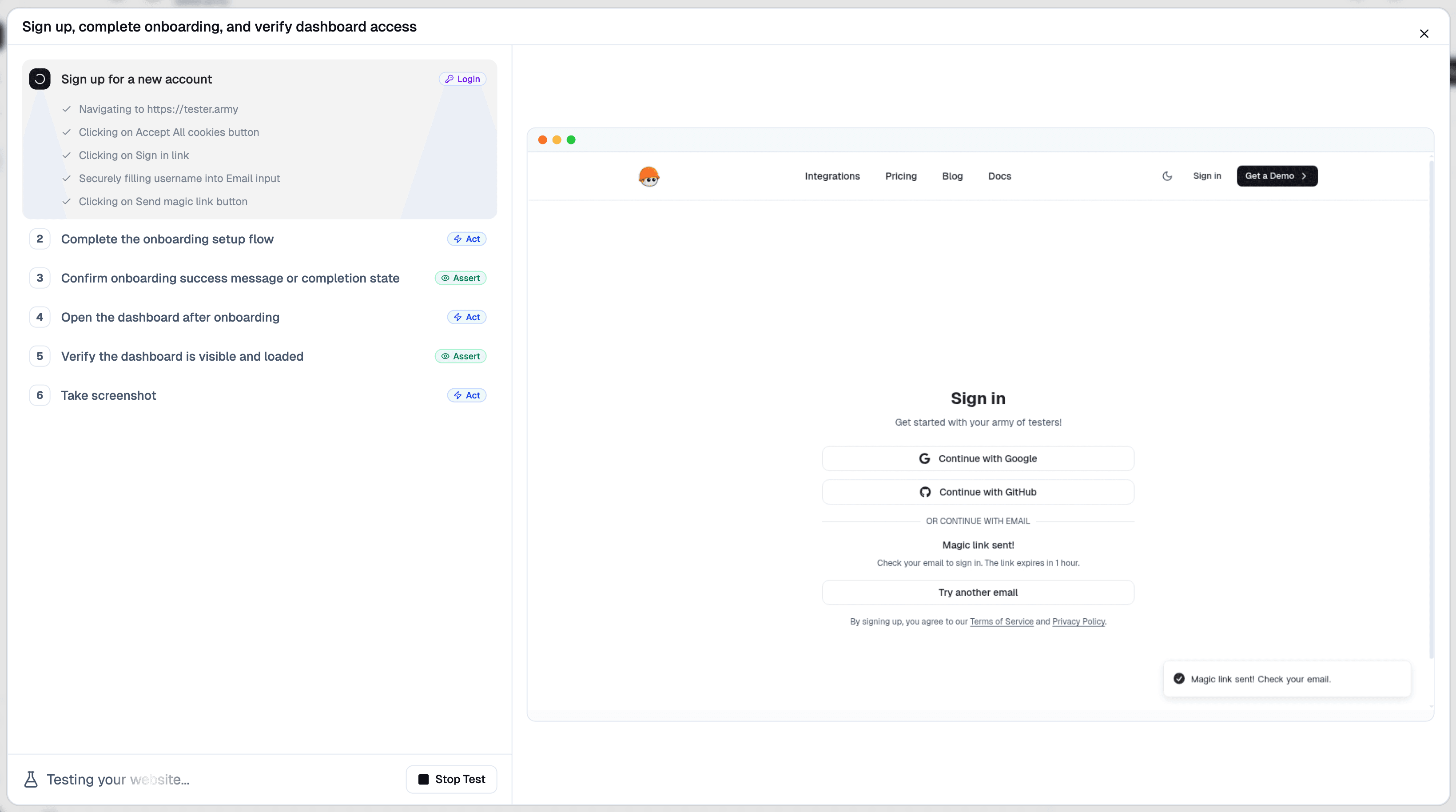
TesterArmy test run

This will open a cloud based browser and our agent will execute the steps and give you feedback if something goes wrong.

Congrats! You successfully created and executed your very first test!

Testing is all about consistency, you should set up Production Monitoring or PR Testing to guarantee everything keeps working.

Next steps

PR Testing

Automatically test every pull request on deploy.

Production Monitoring

Monitor your production with recurring test runs.